
 by
by 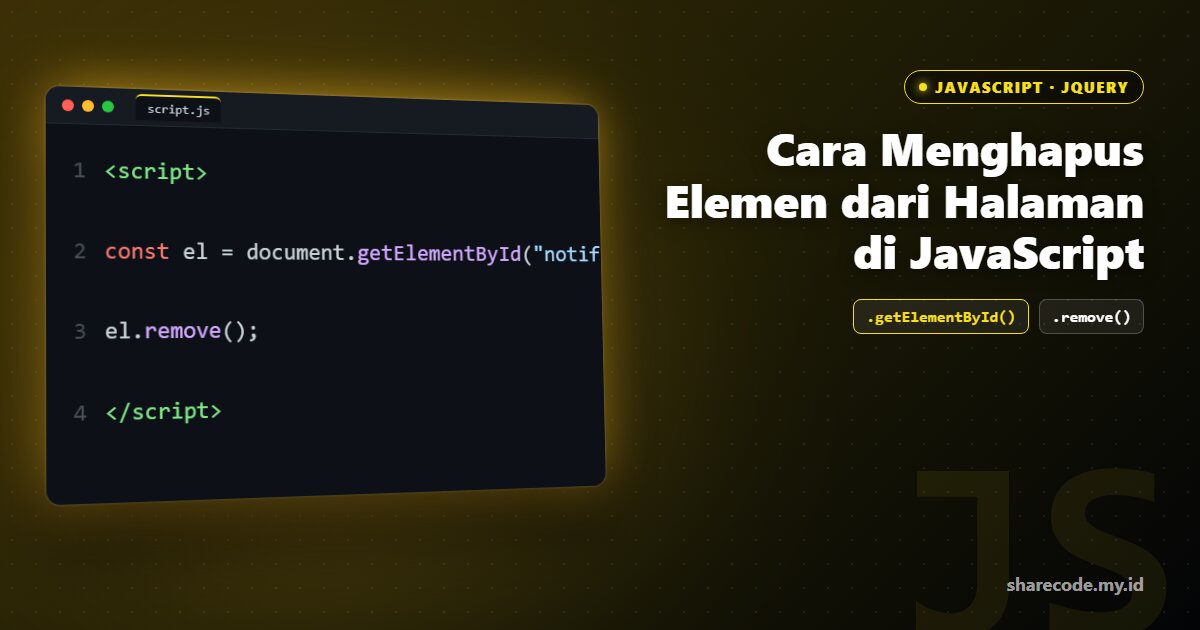
Menghapus elemen dari halaman dipakai saat menutup notifikasi, menghapus baris daftar, atau membersihkan tampilan. Artikel ini membahas cara menghapus elemen dari halaman di JavaScript.
Metode remove()
<script>
const el = document.getElementById("notif");
el.remove();
</script>
Contoh Kasus: Tombol Tutup pada Notifikasi
<script>
document.querySelectorAll(".tutup").forEach(btn => {
    btn.addEventListener("click", function() {
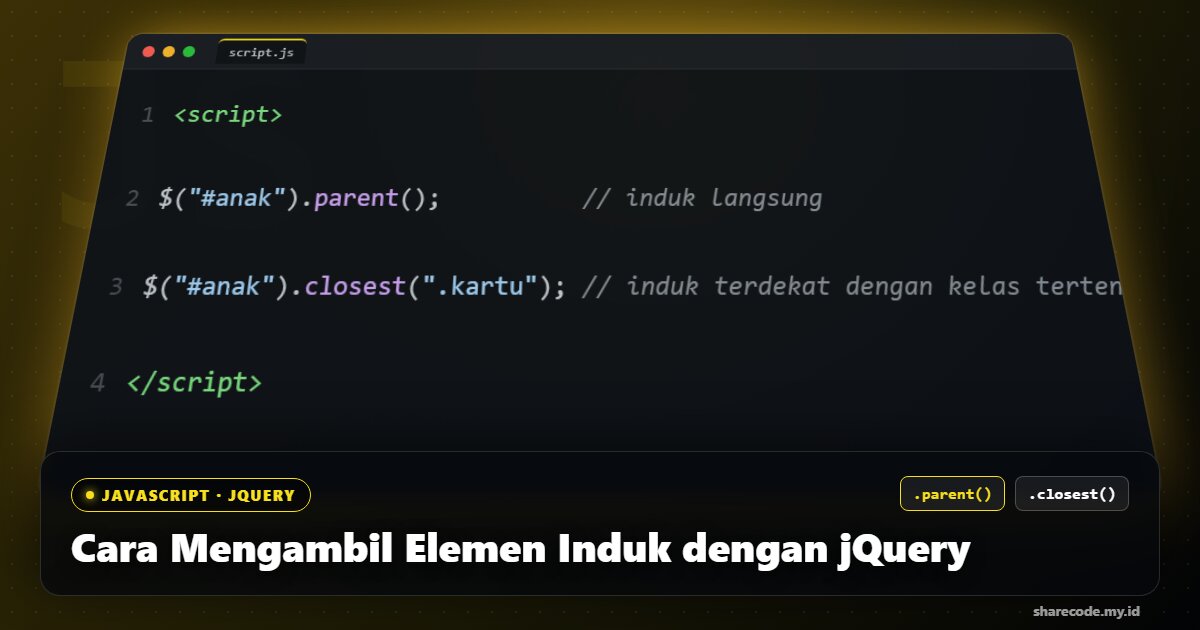
        this.closest(".notif").remove(); // hapus notif induk
    });
});
</script>
closest(".notif") mencari elemen induk terdekat dengan kelas tersebut, lalu menghapusnya.
Contoh Kasus: Hapus Baris Tabel
<script>
function hapusBaris(tombol) {
    tombol.closest("tr").remove();
}
</script>
Cara Lama (removeChild)
<script>
el.parentNode.removeChild(el); // gaya lama, lebih panjang
</script>
Kesimpulan
Gunakan element.remove() untuk menghapus elemen dengan bersih. Padukan dengan closest() untuk menghapus elemen induk dari tombol yang diklik, pola umum pada notifikasi dan baris tabel.
Referensi: untuk penjelasan lebih mendalam, kunjungi dokumentasi resmi JavaScript (MDN).